
Download Checkers Pro – checkers, strategy, multiplayer, AI, international, gameplay, difficulty, online, graphics, themes, auto-save, undo, one-touch, drag-and-drop, forced jumps, leaderboard, high-res, customizable, fun, challenging, skill-based, competitive, mobile, smartphone
Overview
Checkers Pro is a dedicated strategy game designed to deliver a refined and engaging checkers experience across Windows and Windows Phone platforms. The app serves as a digital evolution of the classic board game, catering to both novice players seeking an accessible entry point and experienced strategists looking for a competitive challenge. Its core purpose lies in offering a polished, feature-rich environment where users can enjoy turn-based gameplay with intelligent opponents, global connectivity, and customizable settings. The app addresses common pain points in digital board games—such as abrupt game loss due to interruptions or lack of replayability—by incorporating auto-save and undo functions, ensuring continuity and flexibility during play. Target users include casual gamers, checkers enthusiasts, and individuals interested in skill-based mobile entertainment. The developer, Checkers Pro, has positioned the app as a premium tool within the strategy gaming category, emphasizing quality over quantity. Real-world use cases include quick sessions during commutes, competitive matches with friends across time zones, or extended strategic planning during leisure time. In the broader app ecosystem, Checkers Pro stands out by combining traditional gameplay with modern digital enhancements, making it a notable option for users seeking depth and polish in a niche genre.Key Features & Functionality
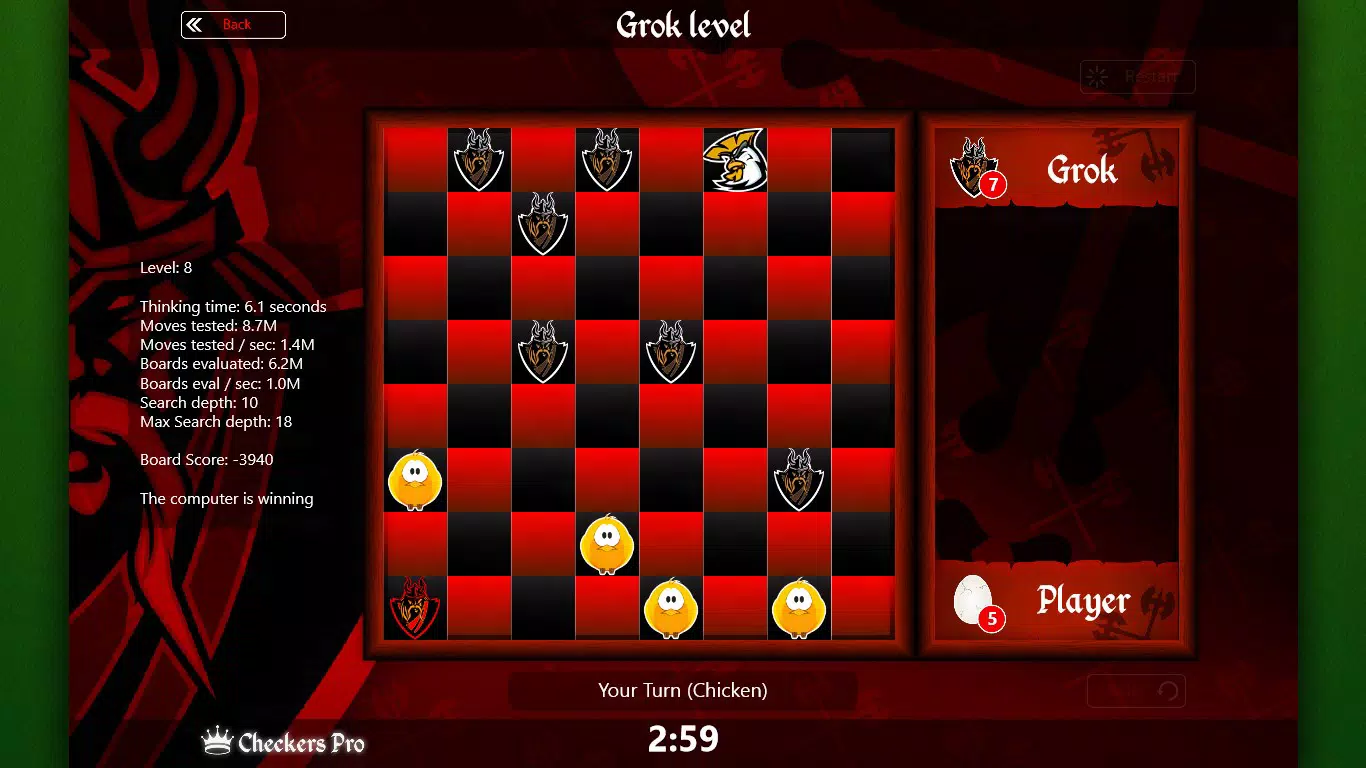
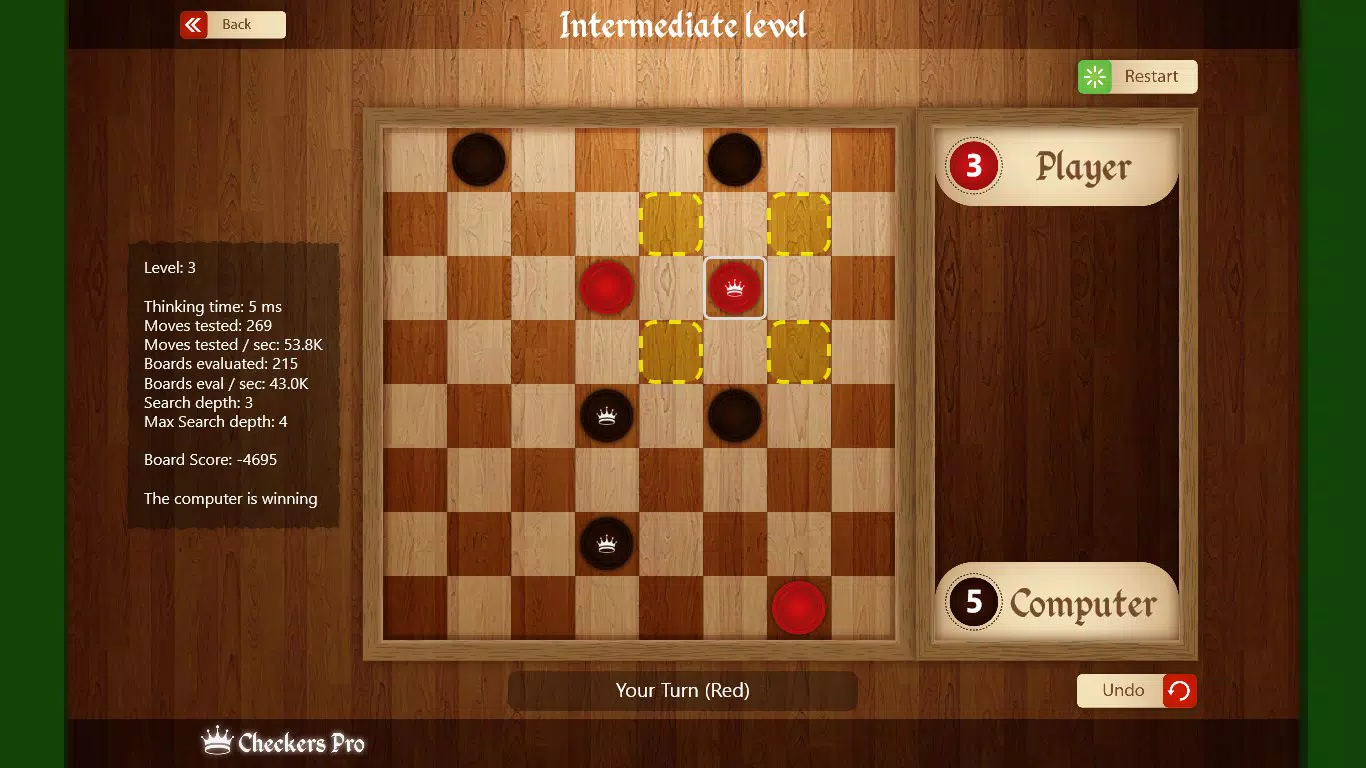
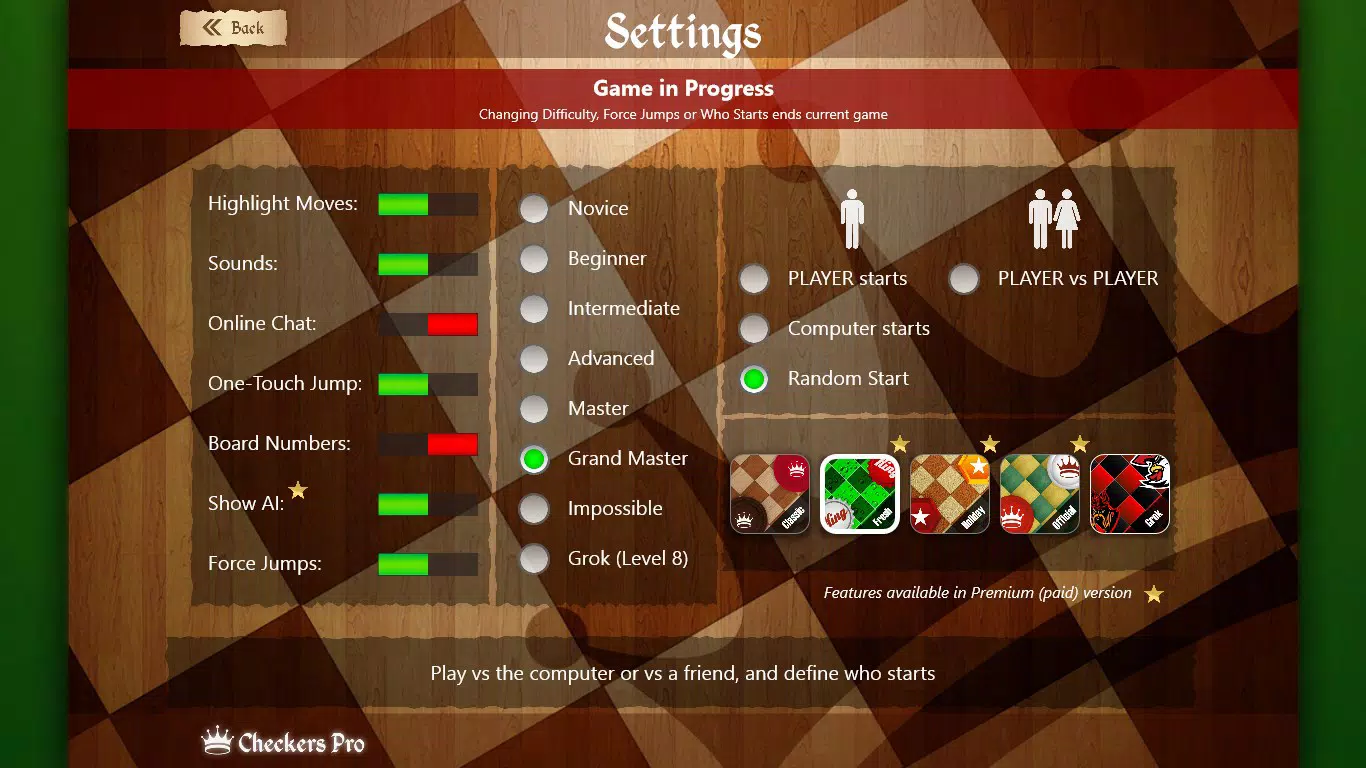
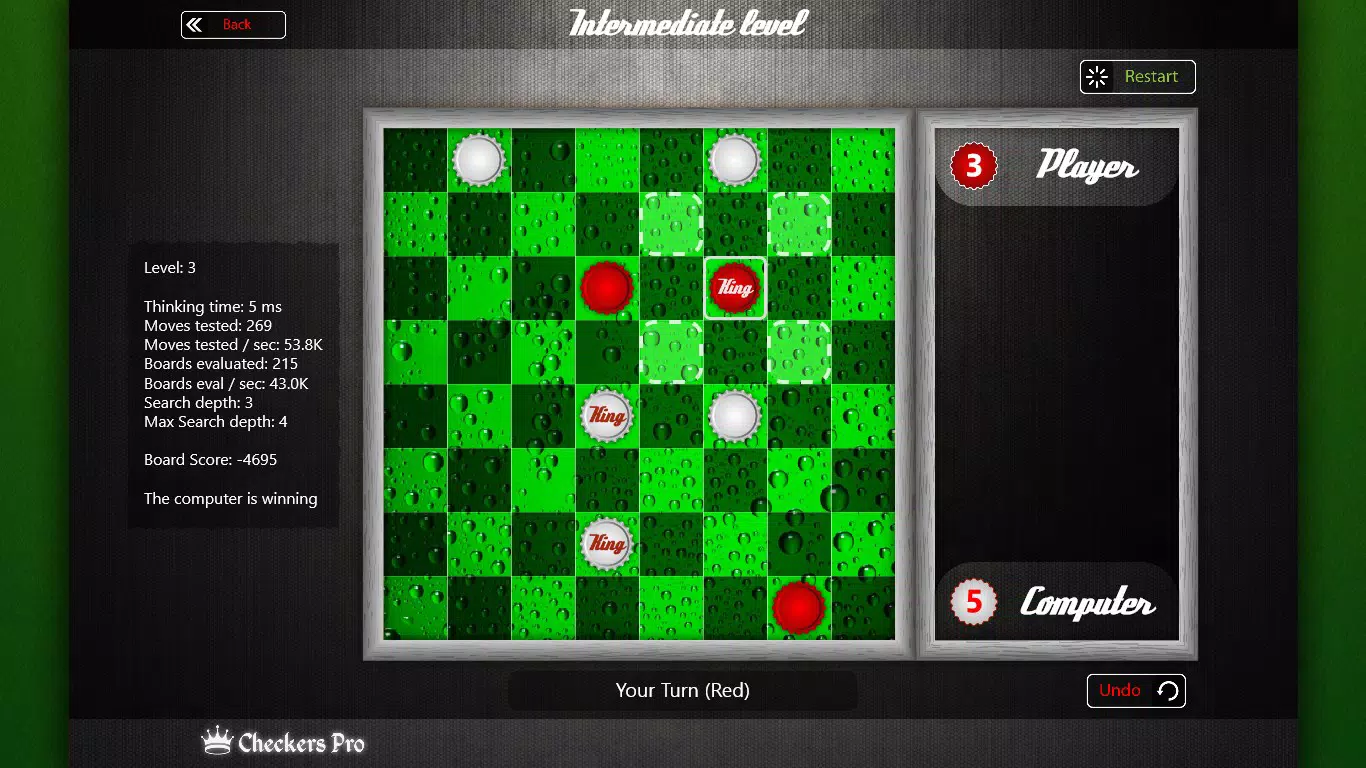
Checkers Pro integrates several well-defined features that elevate the standard checkers experience. The app’s standout attribute is its advanced AI opponent, which adapts to user skill levels through adjustable difficulty settings. Players can begin at lower levels and gradually progress to more complex challenges, including a specialized “Grok” mode at Level 8, designed for expert players. This tiered approach ensures sustained engagement and skill development. The inclusion of online multiplayer functionality allows users to connect with opponents worldwide, fostering a sense of community and competition. Real-time interaction, chat integration, and a global leaderboard add social and motivational layers to gameplay. The game supports both 1-player and 2-player modes, accommodating solo practice and head-to-head matches. Users can toggle forced jumps on or off, offering flexibility to match different regional or personal playing styles. The one-touch move and drag-and-drop mechanics streamline navigation, reducing friction for new players while maintaining precision for veterans. Auto-save preserves game states during interruptions, and the undo feature enables strategic reconsideration without penalty. High-resolution graphics and multiple customizable themes enhance visual appeal, allowing users to personalize their interface. These features collectively create a balanced, accessible, and deeply engaging experience for players of all backgrounds.Real-World Use Cases
- Players can practice strategic thinking during short breaks at work or school.
- Competitive users can climb the global leaderboard by participating in regular online matches.
- Beginners can use lower difficulty levels to learn rules and tactics without frustration.
- Friends or family members can play against each other locally or remotely using the multiplayer option.
- Users with a preference for visual customization can switch themes to match their mood or device aesthetic.
Interface, UX & Performance
The interface of Checkers Pro is designed with clarity and functionality in mind, prioritizing intuitive navigation and visual feedback. The board layout is clean and responsive, with clearly defined spaces and pieces that are easy to identify. The one-touch move and drag-and-drop mechanics are implemented smoothly, allowing players to execute moves with minimal effort. The visual design maintains a consistent style across all screens, with high-resolution graphics that enhance the overall aesthetic without compromising performance. Navigation between game modes, settings, and multiplayer options is straightforward, reducing the learning curve for new users. Although the developer did not list formal performance metrics, the app’s lightweight file size of 3.5 MB suggests efficient resource usage. Users can expect stable operation across various device categories, including older or lower-end Windows and Windows Phone devices. Responsiveness is maintained during gameplay, with minimal lag during moves or transitions. The auto-save and undo features contribute to a seamless user experience by minimizing frustration from unexpected interruptions. Stability appears to be a priority, as the app avoids common pitfalls like crashes or freezes during extended sessions. Overall, the UX is optimized for both ease of use and strategic depth, making it suitable for both casual and dedicated players.Platform Compatibility & Technical Requirements
Checkers Pro is available on Windows and Windows Phone platforms, targeting users of Microsoft’s mobile and desktop ecosystems. The current software version is 1.0.0.0, with a file size of 3.5 MB, indicating a lightweight installation. The developer did not specify minimum OS requirements or compatibility details beyond the listed platforms. As such, users should ensure their device runs a supported version of Windows or Windows Phone to install and operate the app successfully. No additional hardware specifications were provided. The app’s small footprint suggests it is designed for efficient performance on a wide range of devices, including those with limited storage or processing power. However, compatibility with specific device models or OS versions was not disclosed. Users are advised to verify their device’s compatibility before attempting installation. The app’s release date was December 18, 2010, placing it among early mobile strategy games that leveraged Microsoft’s platform ecosystem.Pros and Cons
- Advanced AI with multiple difficulty levels, including a challenging 'Grok' mode.
- Online multiplayer with global leaderboard and real-time chat functionality.
- Intuitive one-touch and drag-and-drop move mechanics for smooth gameplay.
- Auto-save and undo features enhance game continuity and strategic flexibility.
- High-resolution graphics and customizable themes improve visual engagement.
- Supports both single-player and multiplayer modes with adjustable game rules.
- Platform availability limited to Windows and Windows Phone only.
- Developer did not provide detailed technical requirements or compatibility information.
- Price of $2.99 may be considered high for a single-board game in today’s market.
- No information on update frequency or future development plans.
- Limited availability on modern mobile ecosystems like Android or iOS.
FAQ
Is Checkers Pro available for Android or iOS?
Checkers Pro is currently available only on Windows and Windows Phone platforms. There is no official release for Android or iOS devices.
Can I play Checkers Pro offline?
Yes, the single-player mode with AI is fully functional offline. However, online multiplayer features require an active internet connection.
Is the app secure to download and install?
As a product developed by Checkers Pro and distributed through official Microsoft channels, the app is considered secure. Users should only install it from trusted sources to avoid risks.
How often is Checkers Pro updated?
The developer has not disclosed the update frequency. The last known version was released on December 18, 2010.
Does Checkers Pro support local multiplayer?
Yes, the app includes a 2-player mode that allows two users to play on the same device, making it suitable for local face-to-face matches.


